
Installation instructions
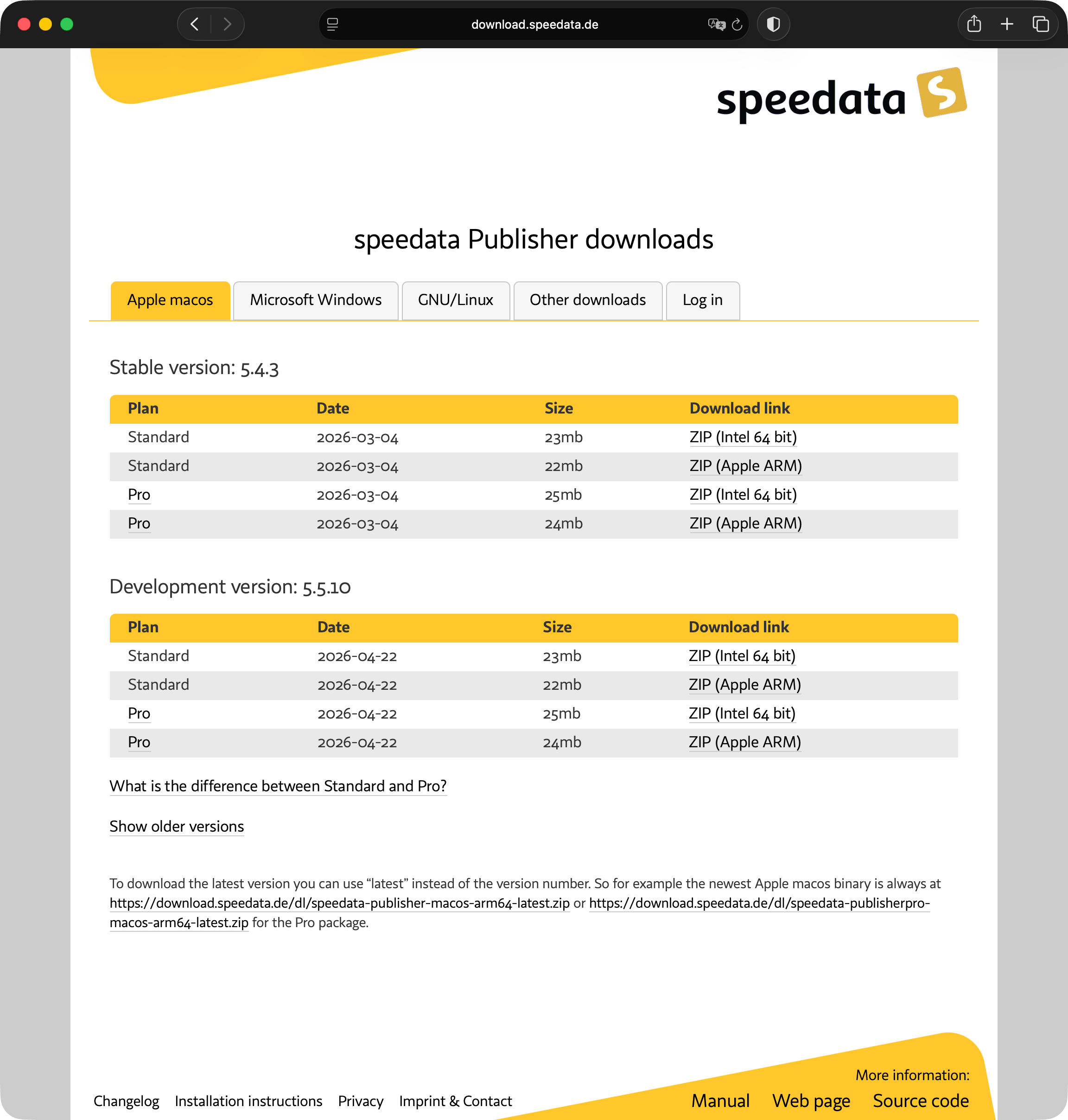
The speedata Publisher is available as a pre-built binary package for macOS, Windows and GNU/Linux. It comes in two plans: Standard and Professional. The Professional plan offers additional features for professional PDF generation.
Stable or Development?
The download page offers two release lines:
- Stable: Tested and proven. This version is recommended for production use.
- Development: Always contains the latest features. Occasionally, new functionality may introduce bugs that are only noticed a few versions later. Choose the development version if you want early access to new features.
Installation
Download the appropriate ZIP file for your operating system from the download page and extract it to any location. No administrator rights are required.
| Do not modify the extracted directory structure — the speedata Publisher expects the original file layout. |
On Windows, there are additional installer packages (.exe) that automatically set the search path, making sp.exe available directly from the command line.
On macOS and Linux, you need to add the bin directory from the extracted archive to your PATH, or call sp using its full path.
| If you want to build the Publisher from source, see BUILDING.md in the GitHub repository. |
Using system-provided Java JARs
The Publisher ships three Java archives in its lib directory:
| File | Purpose |
|---|---|
saxon-he-‹version›.jar | XSLT processor, used by runtime.run_saxon() for XSLT preprocessing |
xmlresolver-‹version›.jar + xmlresolver-‹version›-data.jar | Catalog resolver loaded alongside Saxon |
jing.jar | RELAX-NG validator, used by runtime.validate_relaxng() |
For most users the bundled JARs work out of the box and nothing needs to be done.
This section is mainly relevant for operating-system packagers (FreeBSD, NixOS, …) whose distribution policies require linking against system-wide JARs rather than shipping a private copy.
The jardir configuration option
Set the jardir option to a directory that contains the JARs flat at the top level (no lib/ subdirectory). The Publisher will then look up:
‹jardir›/jing.jar‹jardir›/saxon-he-*.jar(any version that matches the glob)‹jardir›/xmlresolver-*.jar
The Saxon JAR is matched by glob rather than by exact filename, so the system version does not have to match the version the Publisher was originally bundled with. Compatibility within the Saxon 12.x line is expected; a different major version may or may not work depending on Saxon’s API changes.
Setting jardir
The option can be set in three places:
Per invocation on the command line:
sp --option jardir=/usr/local/share/java/classesProject-local: in
publisher.cfgin the current working directory.System-wide: in
/etc/speedata/publisher.cfg:[DEFAULT] jardir = /usr/local/share/java/classes
The system-wide variant is what a port/package maintainer would typically install.
Example: FreeBSD
The textproc/saxon-he port installs:
/usr/local/share/java/classes/saxon-he-12.8.jar
/usr/local/share/java/classes/xmlresolver-5.3.3.jar
/usr/local/share/java/classes/xmlresolver-5.3.3-data.jar
and textproc/jing installs jing.jar into the same directory. Setting jardir = /usr/local/share/java/classes is therefore sufficient to satisfy all of Saxon, xmlresolver and jing from system packages.