Barcodes
XTS can generate barcodes and QR codes directly via the HTML <barcode> element inside <HTML>.
Basic usage
<PlaceObject>
  <HTML>
    <barcode type="QRCode" value="Hello world" width="5cm" />
  </HTML>
</PlaceObject>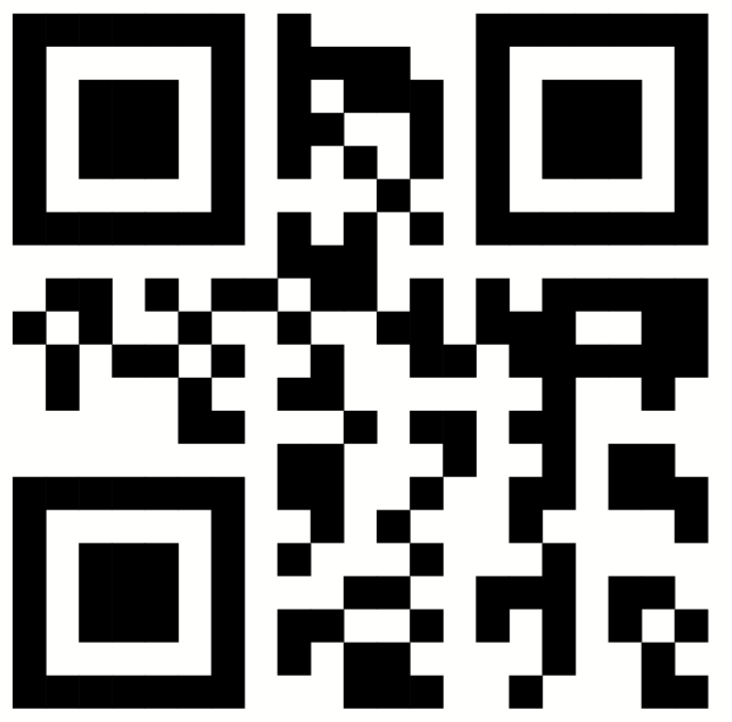
Supported types
| Type | Description |
|---|---|
QRCode |
QR code (2D matrix) |
EAN13 |
EAN-13 barcode |
Code128 |
Code 128 barcode |
Barcode with label
Combine the barcode with HTML text for labels and styling:
<PlaceObject>
  <HTML expand-text="yes">
    <div style="width: 5cm">
      <barcode type="code128" value="{.}" width="5cm" height="1.5cm" />
      <br />
      <p style="text-align: center; font-size: 10pt; margin-top: 2pt">
        {.}
      </p>
    </div>
  </HTML>
</PlaceObject>
Attributes
| Attribute | Description |
|---|---|
type |
Barcode type: QRCode, EAN13, or Code128 |
value |
The data to encode |
width |
Width of the barcode |
height |
Height of the barcode (optional for QR codes) |
color |
Color of the barcode (optional) |