Slates
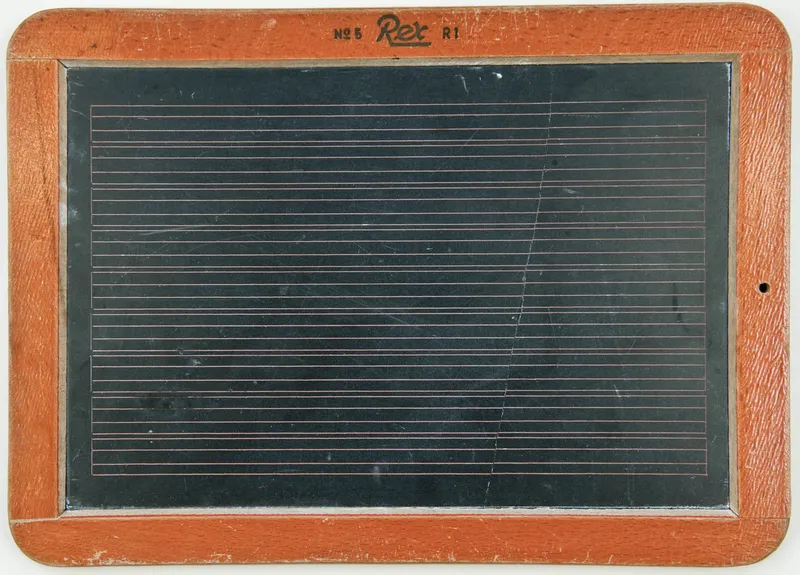
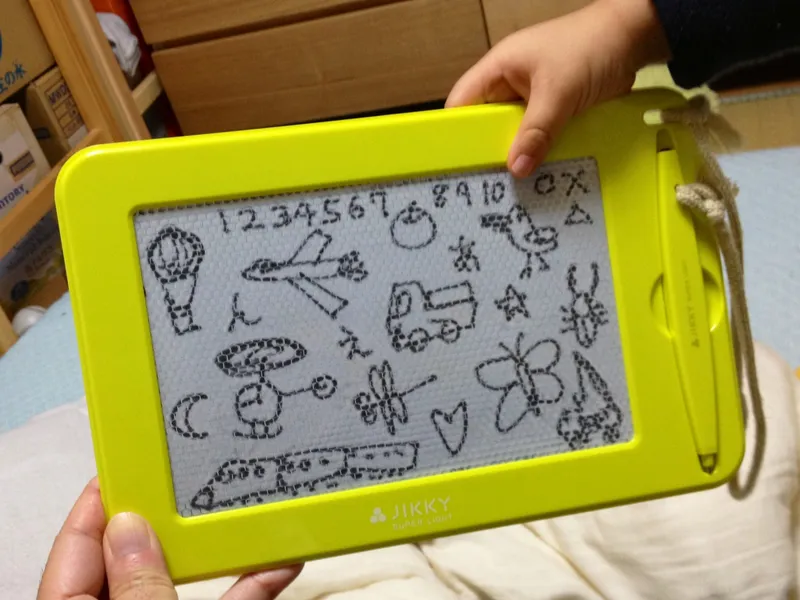
Left: Hannes Grobe, Wikimedia Commons, CC BY 3.0. Right: Tatsuo Yamashita, CC BY 2.0.

A Slate is a virtual layout surface – like a magic drawing tablet, you sketch content on it without it appearing on the page, inspect the result, and then place it wherever you want. A slate has its own cursor and starts with a copy of the page grid, so sketching content on it does not move the page cursor. Objects can be placed at grid positions on the slate with column and row, just like on a page.
Creating and placing a slate
<Slate name="sidebar">
    <Contents>
        <PlaceObject>
            <TextBlock>
                <Paragraph><Value>Sidebar content</Value></Paragraph>
            </TextBlock>
        </PlaceObject>
    </Contents>
</Slate>

<!-- Place the slate on the page -->
<PlaceObject slate="sidebar"/>
A slate with its own grid
By default a slate copies the page grid. A <Grid> child element (with the same attributes as SetGrid) replaces parts of that copy:
<Slate name="calendar">
    <Grid width="5mm" height="5mm"/>
    <Contents>
        <PlaceObject column="3" row="2">
            <TextBlock width="10">
                <Paragraph><Value>Positioned on the 5mm slate grid</Value></Paragraph>
            </TextBlock>
        </PlaceObject>
    </Contents>
</Slate>
Widths given in grid cells (such as width="10" above) use the slate’s cell size, so the text block is 5 cm wide regardless of the page grid.
Placing at lengths and backgrounds
Inside a slate, column and row can also be lengths. They are measured from the slate’s top left corner, and the slate grows to hold the object, as it does for grid positions.
An object placed with allocate="no" takes no room: it is drawn where it is placed, negative offsets included, but it does not make the slate larger or move the objects placed after it. That is the way to put a panel behind content whose size you only know once it is set:
<Slate name="card">
    <Contents>
        <PlaceObject column="4mm" row="4mm">
            <TextBlock width="72mm">
                <Paragraph><Value>The text is placed first. The panel is placed after it, with allocate="no" and layer="behind".</Value></Paragraph>
            </TextBlock>
        </PlaceObject>
        <PlaceObject column="0mm" row="0mm" allocate="no" layer="behind">
            <Box width="80mm" height="22mm" background-color="#dde6f0"/>
        </PlaceObject>
    </Contents>
</Slate>

<PlaceObject slate="card"/>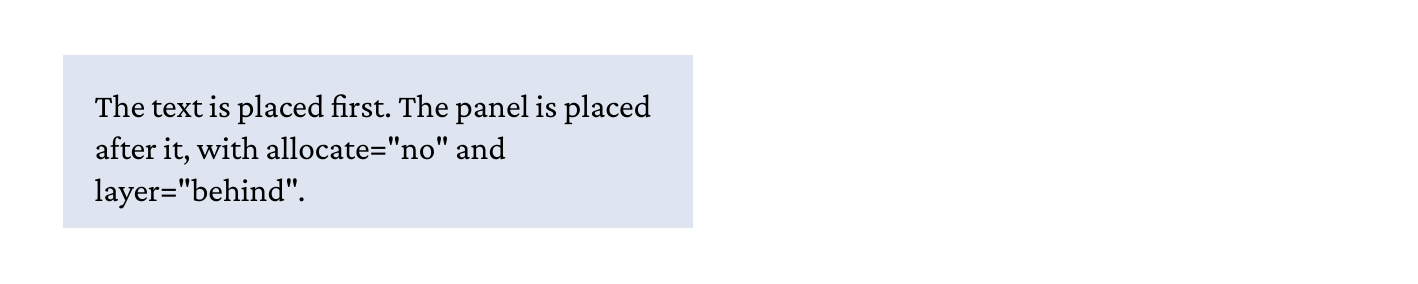
layer="behind" draws it underneath. Because of allocate="no" the slate is as large as the text with its offset, not as large as the panel.A slate draws its objects in the order they were placed, as a page does, so without layer="behind" the panel would cover the text. With layer="behind" an object is drawn under the slate’s other objects.
A flow in a slate
A <Flow> in a slate stacks its blocks as one object, as wide as the slate. The blocks keep their exact heights and their margins collapse as on a page, where a <PlaceObject> per block would round each one up to whole grid rows. A slate never breaks, so a forced break such as break-before: page is ignored there with a warning, and an area is an error.
<Slate name="letterhead">
    <Contents>
        <Flow>
            <Paragraph class="name"><Value>Example Instruments Ltd</Value></Paragraph>
            <Paragraph><Value>12 Sample Street</Value></Paragraph>
            <Paragraph><Value>Testville TV1 2AB</Value></Paragraph>
        </Flow>
    </Contents>
</Slate>
A <PlaceObject> in the slate after the flow starts on the next whole row below it, sd:slate-height() gives the flow’s exact end, and a <Mark> between the blocks takes the page the slate is placed on.
A slate with a flow can also be built in <AtPageCreation> or <AtPageShipout> while the body is itself a <Flow> running over pages, as a running header or footer on every page. The slate’s flow runs inside the body’s, and the body goes on as without it.
Why use slates?
- Independent cursor: A slate works on its own copy of the page grid, so sketching content does not move the page cursor.
- Own grid: A slate can define its own grid cell sizes, independent of the page grid.
- Measure before placing: Use
sd:slate-width('name')andsd:slate-height('name')to query a slate’s dimensions before deciding where to put it. - Reuse: Place the same slate multiple times.
- Discard: If the content doesn’t fit or isn’t needed, simply don’t place it – nothing ends up in the PDF.
Querying slate dimensions
<Slate name="card">
<Contents>
<!-- build the card content -->
</Contents>
</Slate>
<!-- Check if it fits -->
<Switch>
<Case test="sd:slate-height('card', 'cm') < 5">
<PlaceObject slate="card"/>
</Case>
<Otherwise>
<ClearPage/>
<PlaceObject slate="card"/>
</Otherwise>
</Switch>