File Organization
How XTS finds layout files, data files, images, fonts, and stylesheets.
Lookup rules
XTS tries the following, in this order:
- The
--extradirlookup – plain file names that were registered from these directories win, even over a file with the same name in the working directory - URLs – fetched on the fly (no caching)
- Relative or absolute paths – resolved against the current working directory
- CSS paths:
url()references inside a stylesheet are first resolved with the rules above; if that fails, they are resolved relative to the CSS file
Relative and absolute paths
<!-- Relative to working directory -->
<Image href="img/ocean.pdf" width="2"/>

<!-- Absolute path -->
<Image href="/Users/myuser/assets/ocean.pdf" width="2"/>
URLs
<Image href="https://placekitten.com/200/300" width="2"/>CSS path resolution
CSS url() references that cannot be resolved via the search path fall back to the directory of the CSS file:
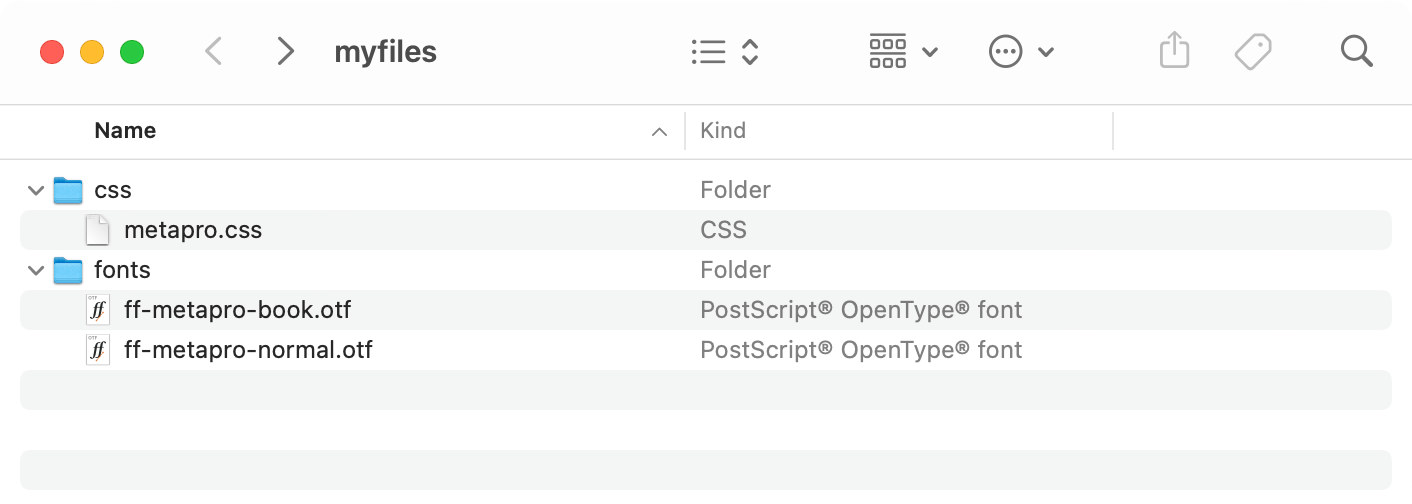
<StyleSheet href="css/metapro.css"/>Inside metapro.css:
@font-face {
    font-family: "MetaPro";
    src: url("../fonts/ff-metapro-normal.otf");
}
The ../fonts/ path is relative to the CSS file, not to the working directory: XTS resolves it against css/, the directory of metapro.css.
This fallback is the last step. Files referenced from CSS go through the same lookup as everything else first, so a font or background image that lives in an --extradir directory is found by its plain name, wherever the stylesheet is:
@font-face {
    font-family: "MetaPro";
    src: url("ff-metapro-normal.otf");   /* found via --extradir */
}
Adding search directories
Use --extradir to register directories for path-free lookups:
xts --extradir=/path/to/assets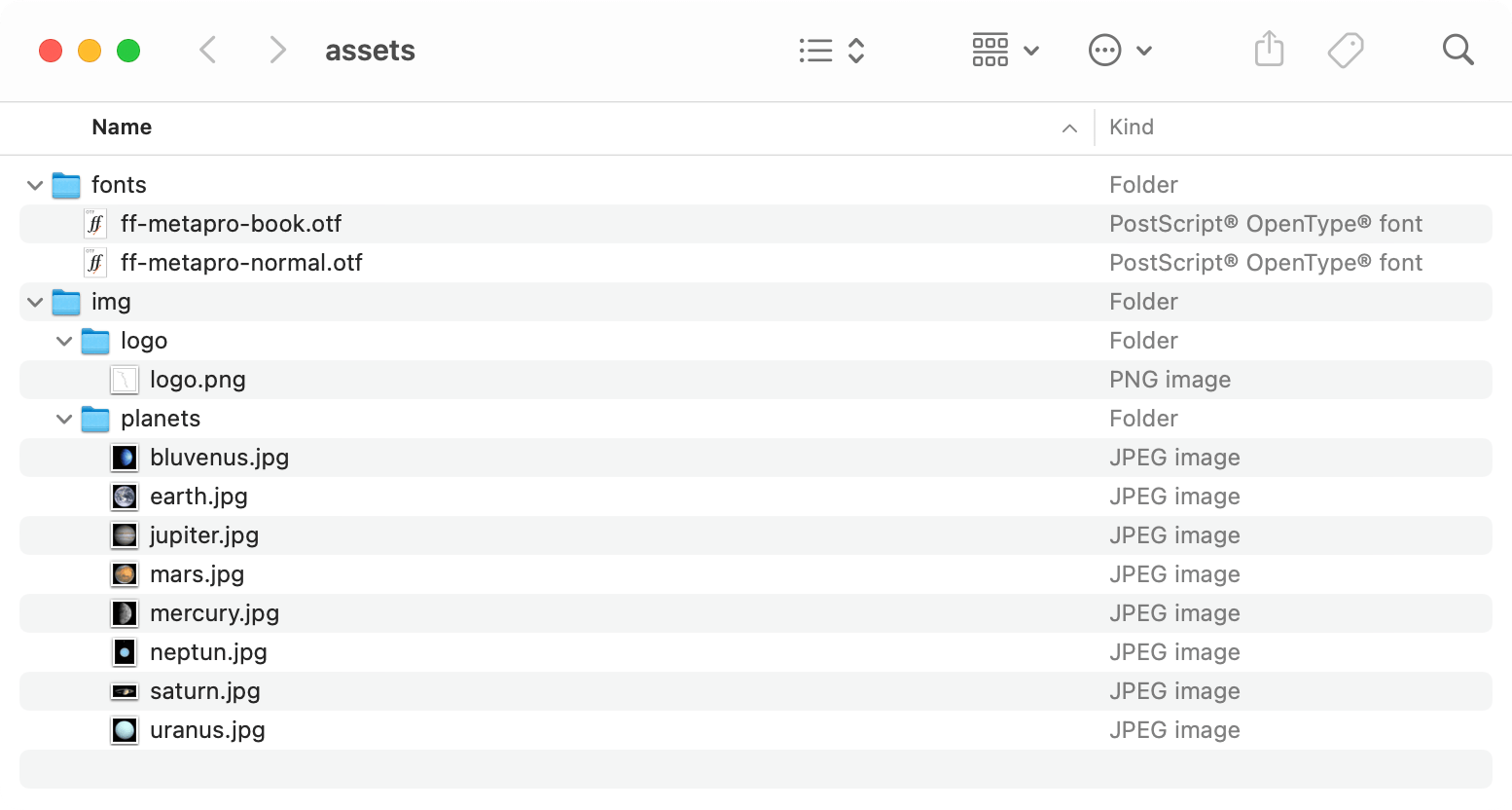
Now you can reference files by name alone:
<Image href="logo.png"/>
<Image href="jupiter.jpg"/>
XTS searches the extra directory and all its subdirectories recursively.
Multiple directories can be added in the config file:
extradir = ["/path/to/images", "/path/to/fonts"]