Boxes and Shapes
Boxes
Rectangular colored areas are created with <Box>:
<PlaceObject>
  <Box width="4" height="3" backgroundcolor="limegreen"/>
</PlaceObject>
Boxes are commonly used as colored backgrounds behind other content. Place the box first (with allocate="no"), then place your text or table on top:
<!-- Background -->
<PlaceObject row="1" column="1" allocate="no">
    <Box width="10" height="3" backgroundcolor="lightyellow"/>
</PlaceObject>
<!-- Content on top -->
<PlaceObject row="1" column="1">
    <TextBlock>
        <Paragraph><Value>Text on colored background</Value></Paragraph>
    </TextBlock>
</PlaceObject>
Circles
Circles are created with <Circle>:
<PlaceObject column="5" row="5">
  <Circle radiusx="3" backgroundcolor="goldenrod"/>
</PlaceObject>
<PlaceObject column="5" row="5">
  <Circle radiusx="1pt" backgroundcolor="black"/>
</PlaceObject>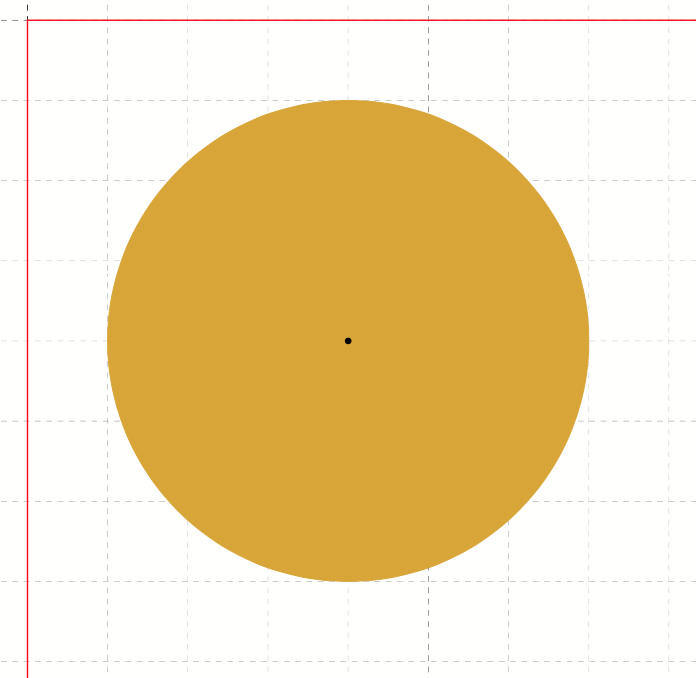
For ellipses, use both radiusx and radiusy. The radius can be in grid cells or absolute units (3cm, 1pt).
Circles don’t allocate grid cells by default, so they won’t block other content from being placed.