File Organization
How XTS finds layout files, data files, images, fonts, and stylesheets.
Lookup rules
- Relative or absolute paths – always work directly
- URLs – fetched on the fly (no caching)
- Paths are relative to the current working directory
- CSS paths are relative to the CSS file, not the working directory
- The
--extradirlookup – file names without paths are searched in these directories
Relative and absolute paths
<!-- Relative to working directory -->
<Image href="img/ocean.pdf" width="2"/>

<!-- Absolute path -->
<Image href="/Users/myuser/assets/ocean.pdf" width="2"/>
URLs
<Image href="https://placekitten.com/200/300" width="2"/>CSS path resolution
CSS url() references are relative to the CSS file:
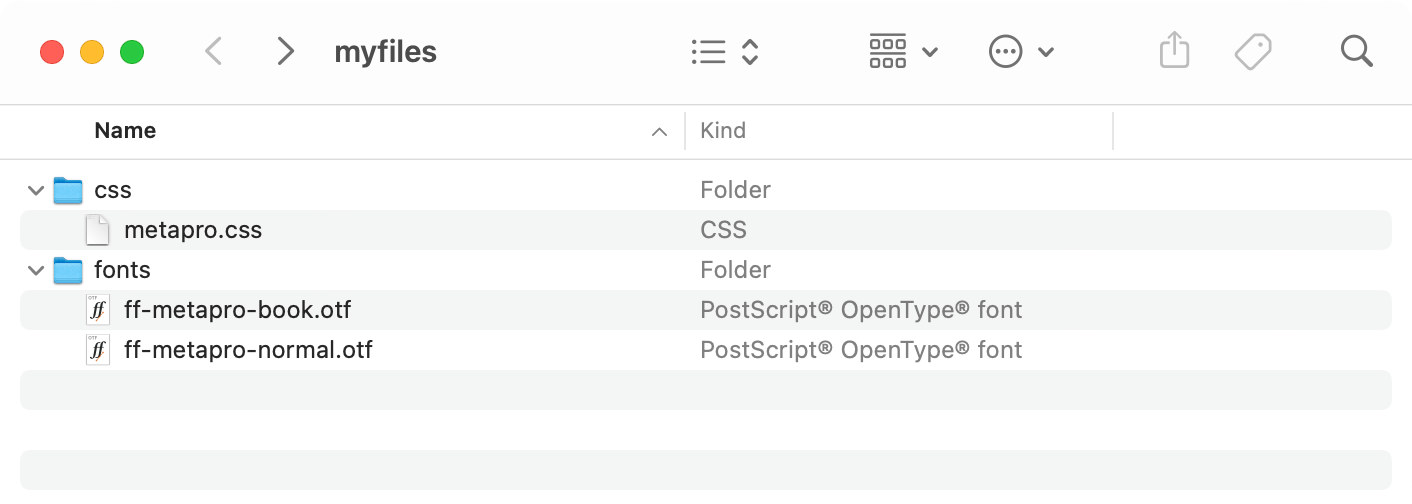
<StyleSheet href="css/metapro.css"/>Inside metapro.css:
@font-face {
    font-family: "MetaPro";
    src: url("../fonts/ff-metapro-normal.otf");
}
The ../fonts/ path is relative to the css/ directory.
Adding search directories
Use --extradir to register directories for path-free lookups:
xts --extradir=/path/to/assets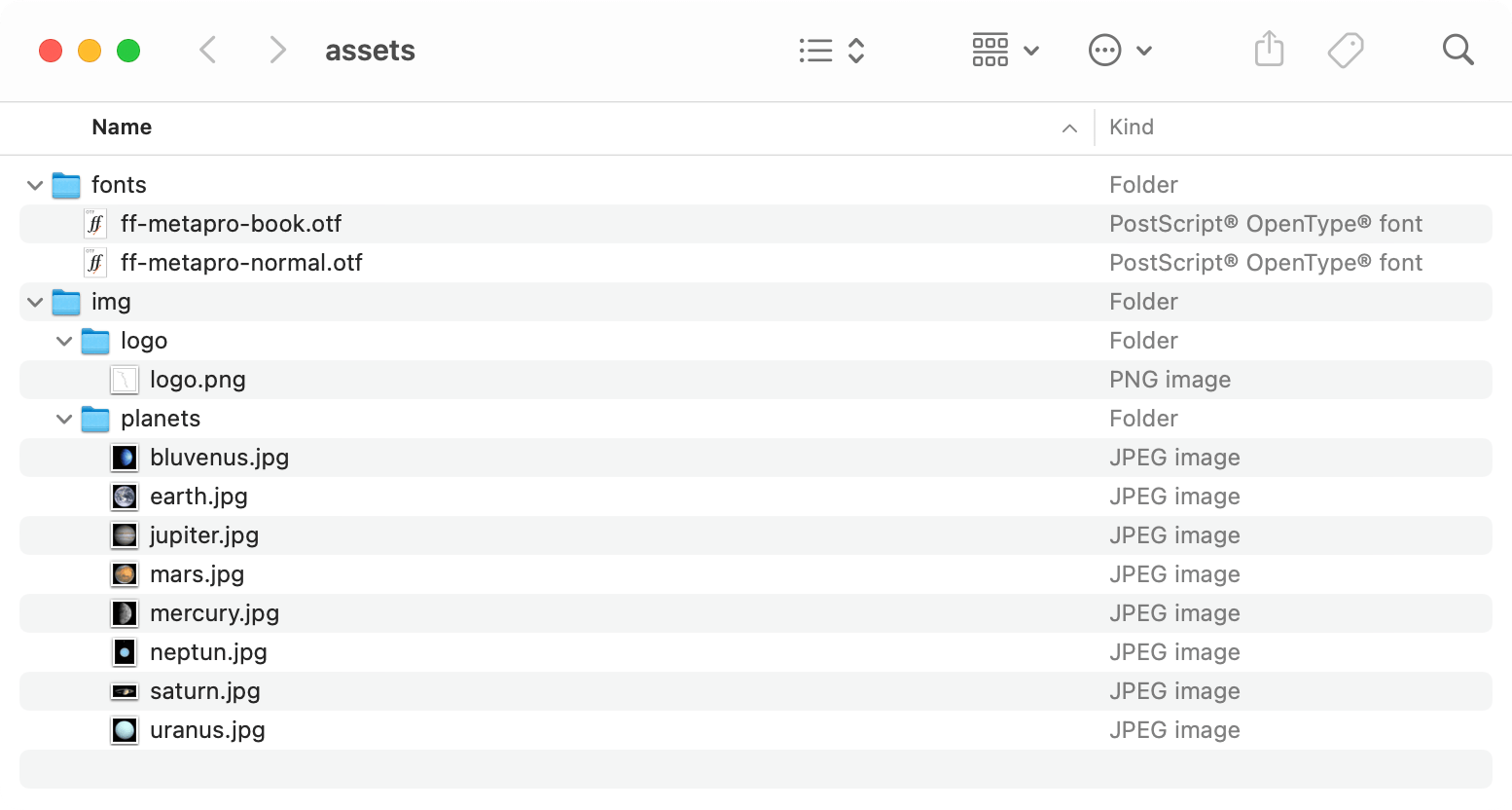
Now you can reference files by name alone:
<Image href="logo.png"/>
<Image href="jupiter.jpg"/>
XTS searches the extra directory and all its subdirectories recursively.
Multiple directories can be added in the config file:
extradir = ["/path/to/images", "/path/to/fonts"]